← Footage gallery

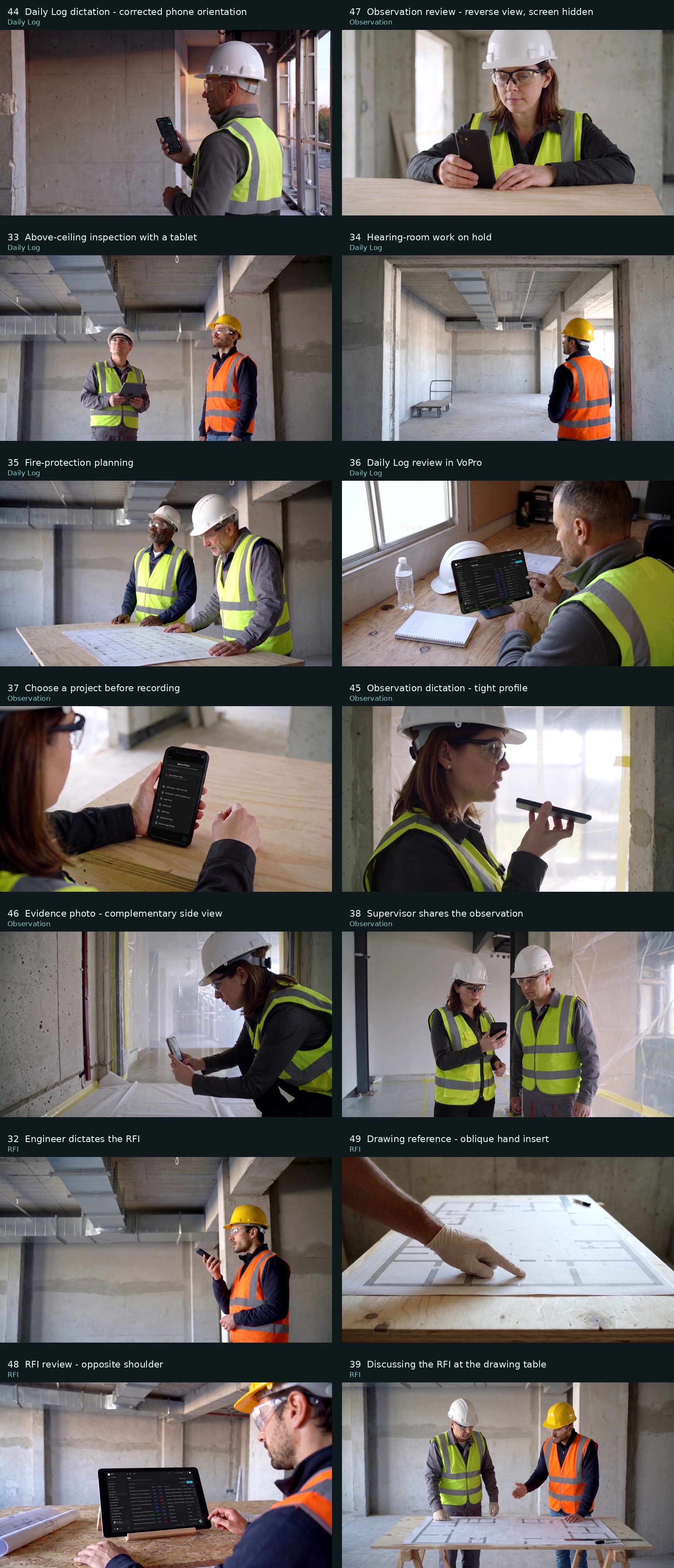
All 14 shot concepts

Shots 44, 47 and 33 have been reworked from your notes. 32, 36, 37, 39, 44, 45, 47, 48 have animations in the footage gallery. Alex has approved the animations of 44, 47, 45 and 37. Review the people, camera angles, construction details and device presentation before animation. Tap a thumbnail for the shot brief, then tap the large image to inspect it.

Open the full contact sheet ↗ · Download all 14 images

Showing 14 references

Daily Log · Shot 44 REWORKEDCompare existing footage ↗

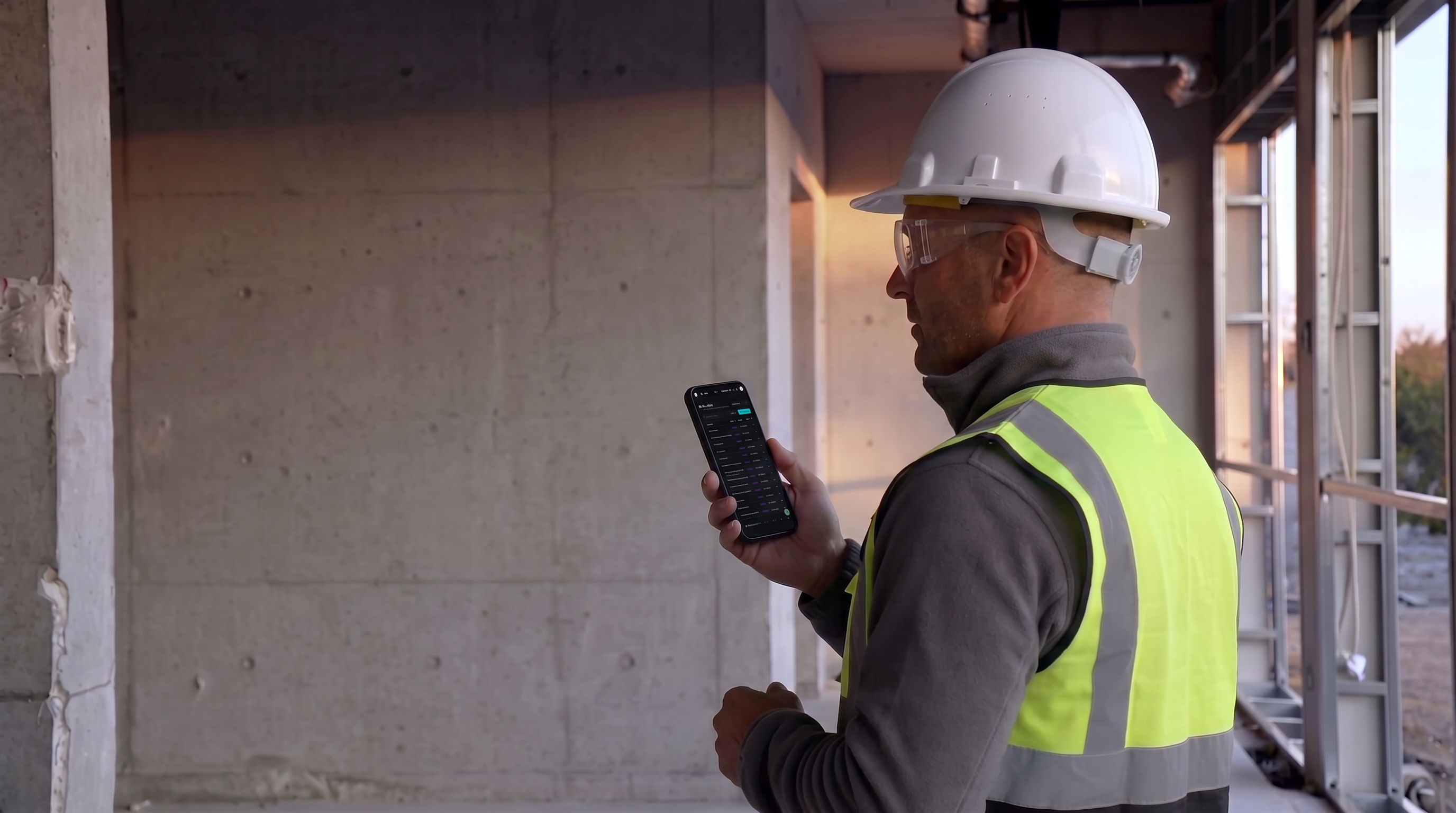
Daily Log dictation — corrected phone orientation
Reference image for Daily Log dictation — corrected phone orientation

The superintendent gives his voice recap with the phone display correctly facing him.

Planned motion: The superintendent looks at the display facing him and speaks calmly, with natural lip and jaw movement. He pauses briefly to think, then continues. Hold the phone upright and steady in this corrected orientation. Locked camera; preserve the face, workwear and room.

The screen uses the actual saved VoPro layout. Small generated text is approximate; exact readable fields will come from the browser demo.

Watch approved animation ↗

Open full-size image ↗ · Back to overview ↑
Observation · Shot 47 REWORKEDCompare existing footage ↗

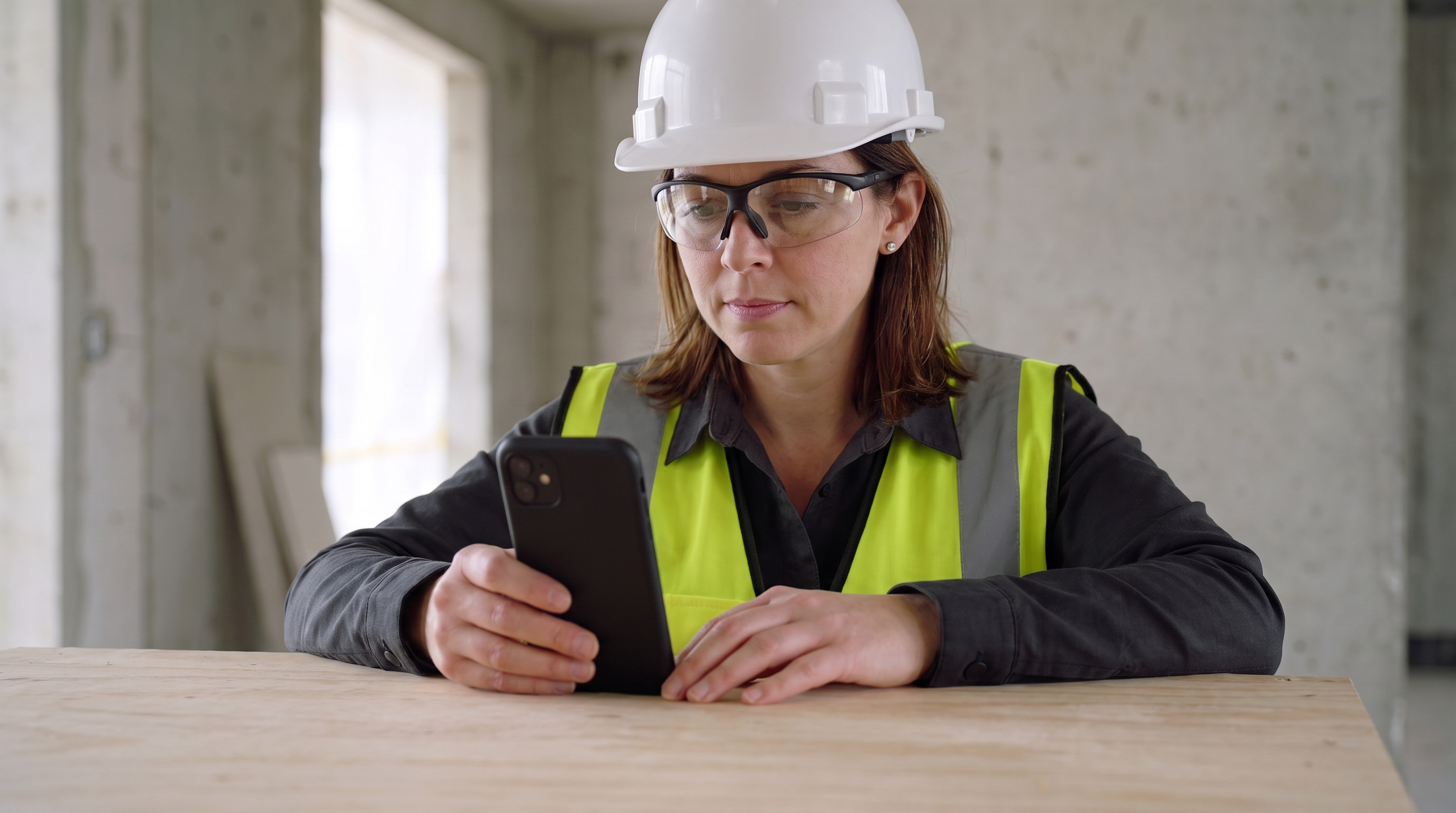
Observation review — reverse view, screen hidden

Reference image for Observation review — reverse view, screen hidden

A new view of the same supervisor reviewing the observation, centered on her reaction and natural phone use.

Planned motion: The supervisor looks down at the phone, makes one small touch on the screen facing her, and continues reading. Her forearm rests on the workbench. Keep the screen hidden from the viewer throughout. Locked camera, subtle breathing and natural eye movement.

Watch approved animation ↗

Open full-size image ↗ · Back to overview ↑
Daily Log · Shot 33 REWORKEDCompare existing footage ↗

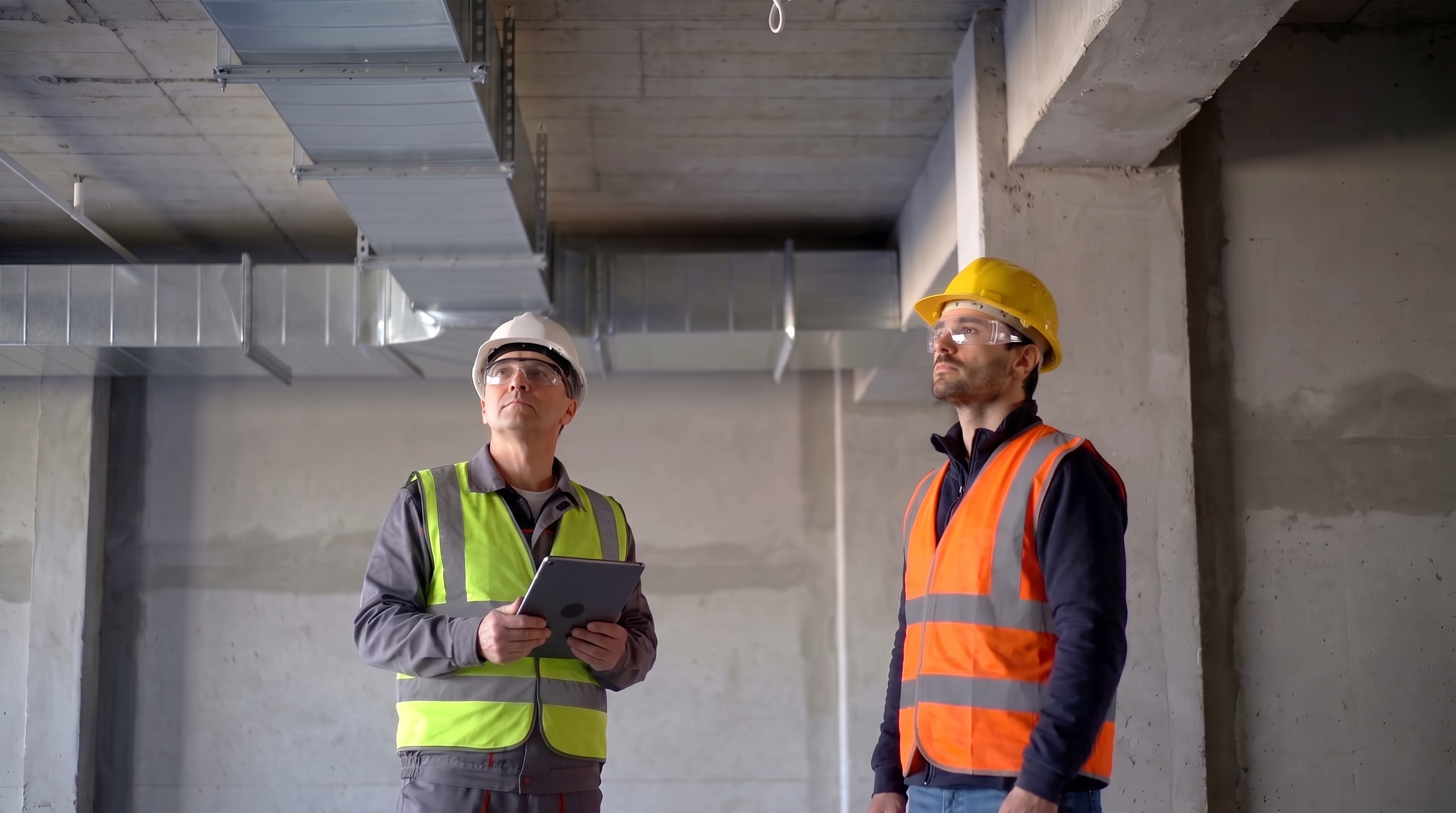
Above-ceiling inspection with a tablet

Reference image for Above-ceiling inspection with a tablet

The above-ceiling coordination inspection, with a tablet available to capture the spoken discussion.

Planned motion: Both professionals inspect the fixed overhead services. The older foreperson holds the tablet steadily with its microphone unobstructed. The engineer makes one restrained pointing gesture, lowers his arm and speaks briefly with him. Natural head and mouth movement; locked camera and rigid ceiling geometry.

Open full-size image ↗ · Back to overview ↑
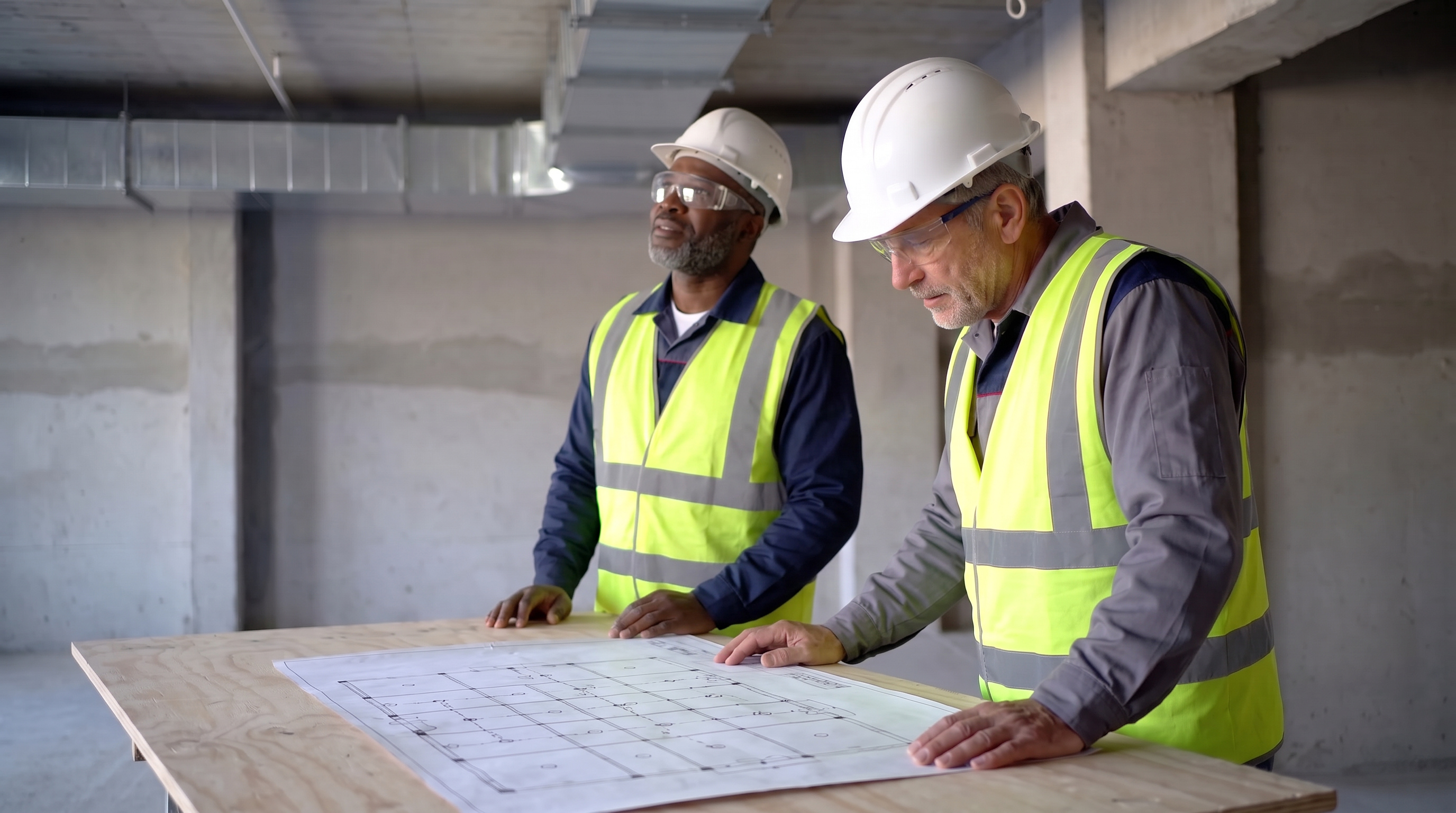
Daily Log · Shot 34 NEW REFERENCECompare existing footage ↗

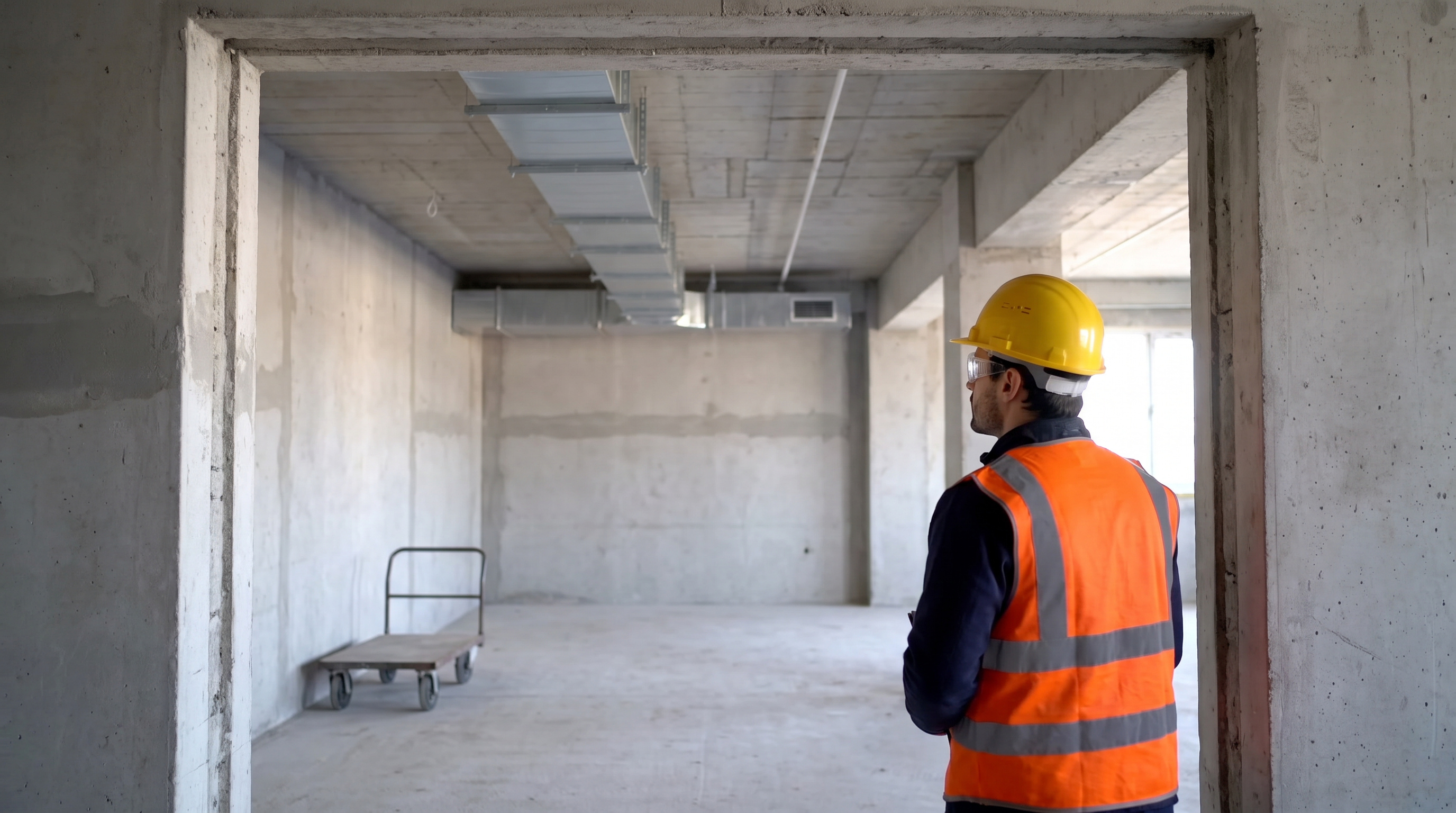
Hearing-room work on hold

Reference image for Hearing-room work on hold

The local hearing-room delay in the Daily Log; pair with the actual delay entry.

Planned motion: The engineer pauses at the doorway, looks into the quiet room, and makes a small thoughtful head movement. The cart, materials and overhead services remain stationary. Very slow smooth camera push into the existing composition. Preserve the room layout.

Pair with the Daily Log delay entry to explain that this area paused while other work continued.

Open full-size image ↗ · Back to overview ↑
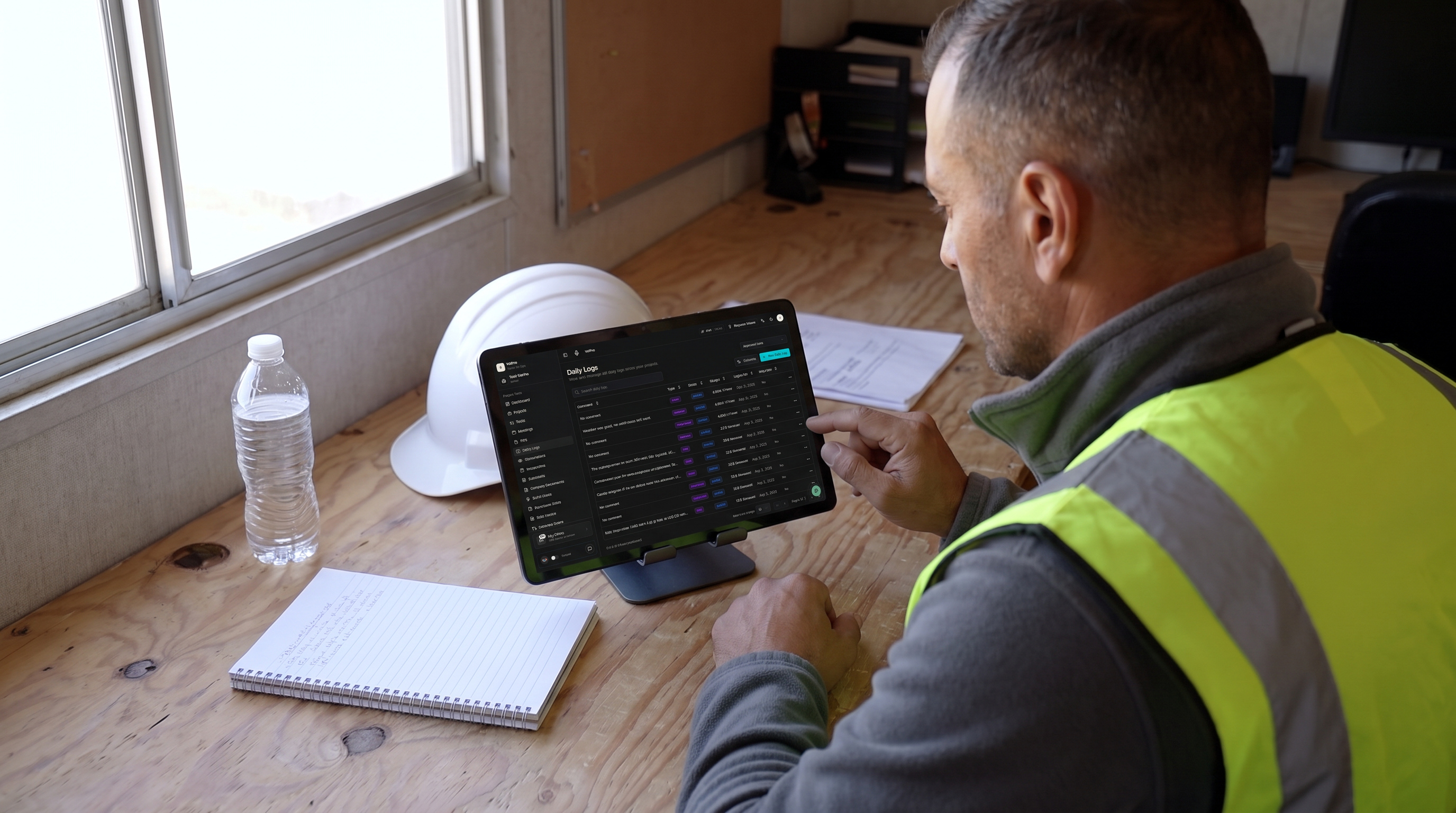
Daily Log · Shot 35 NEW REFERENCECompare existing footage ↗

Fire-protection planning

Reference image for Fire-protection planning

Planning context for the fire-protection trade mentioned in the Daily Log.

Planned motion: One worker looks from the plan toward the ceiling, then back to the sheet. The other makes one small open-hand gesture over the drawing while speaking. Both remain on the floor. Keep the drawing, workbench and background fixtures still. Locked camera.

Trade-planning context; this shot does not show a completed sprinkler relocation.

Open full-size image ↗ · Back to overview ↑
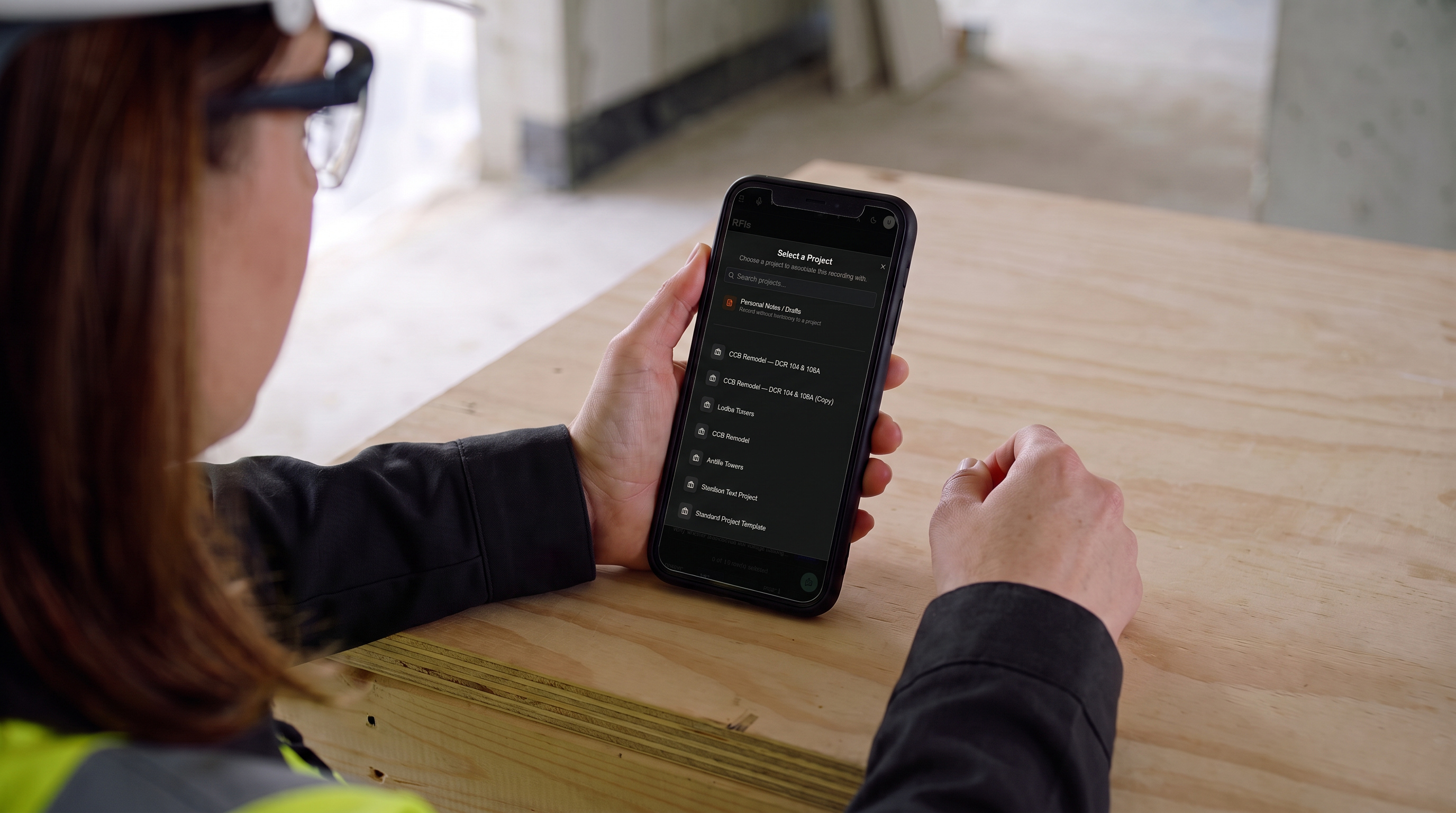
Daily Log · Shot 36 NEW REFERENCECompare existing footage ↗

Daily Log review in VoPro

Reference image for Daily Log review in VoPro

A visible Daily Log interface to connect the spoken recap with report review.

Planned motion: The superintendent reads the tablet resting motionless on its stand, makes one small finger tap, then rests his hand. Subtle natural breathing. Preserve the reference screen inside the tablet glass, its black bezel, the device scale and the desk. Locked camera.

The screen uses the actual saved VoPro layout. Small generated text is approximate; exact readable fields will come from the browser demo.

Watch this animation ↗

Open full-size image ↗ · Back to overview ↑
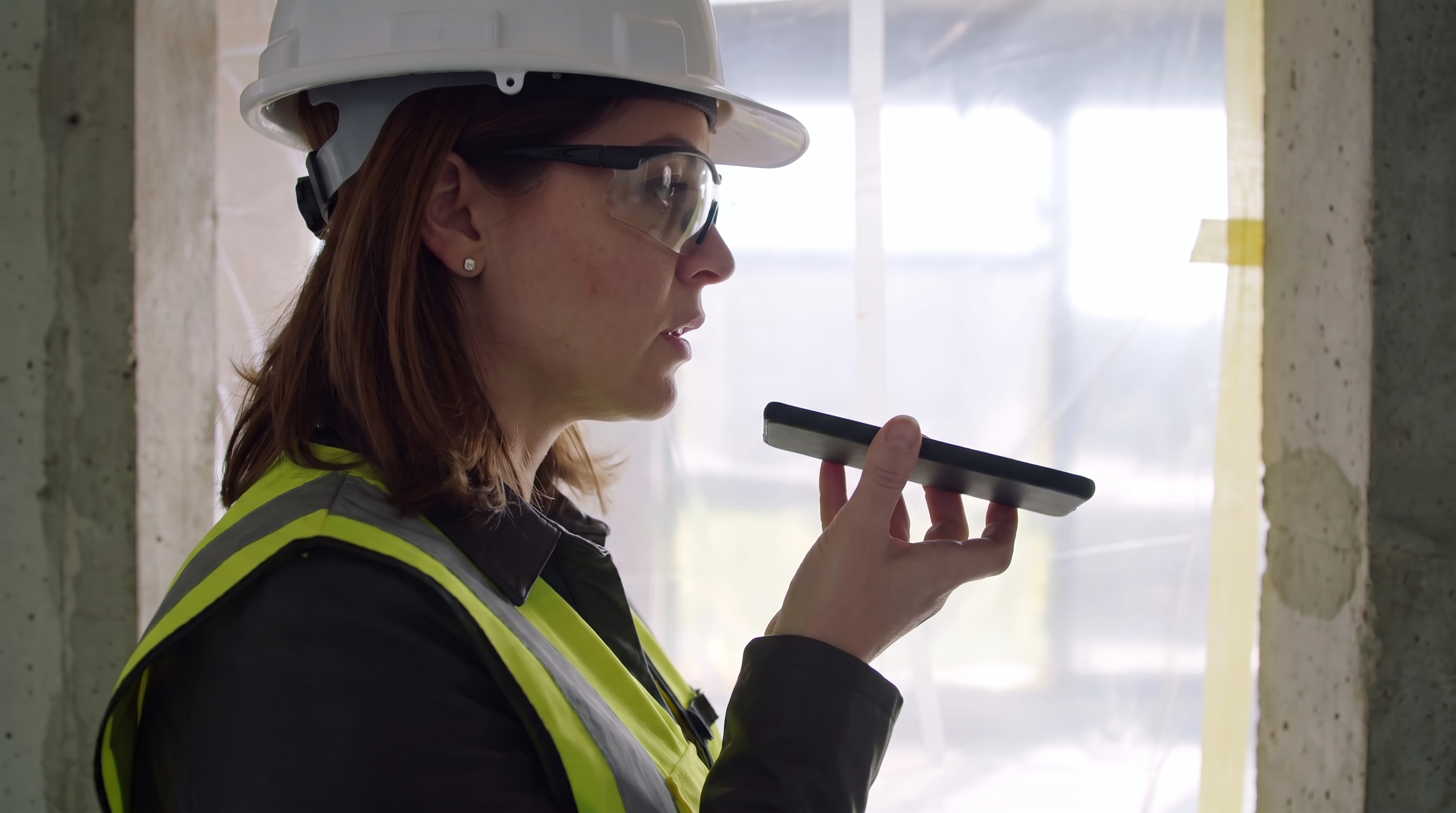
Observation · Shot 37 NEW REFERENCECompare existing footage ↗

Choose a project before recording

Reference image for Choose a project before recording

The project-selection step before a field recording begins.

Planned motion: The supervisor reads the project list, makes one small thumb tap, and pauses. Hold the phone and camera steady. Preserve the device, hands and interface inside the glass. No camera move.

The screen uses the actual saved VoPro layout. Small generated text is approximate; exact readable fields will come from the browser demo.

Watch approved animation ↗

Open full-size image ↗ · Back to overview ↑
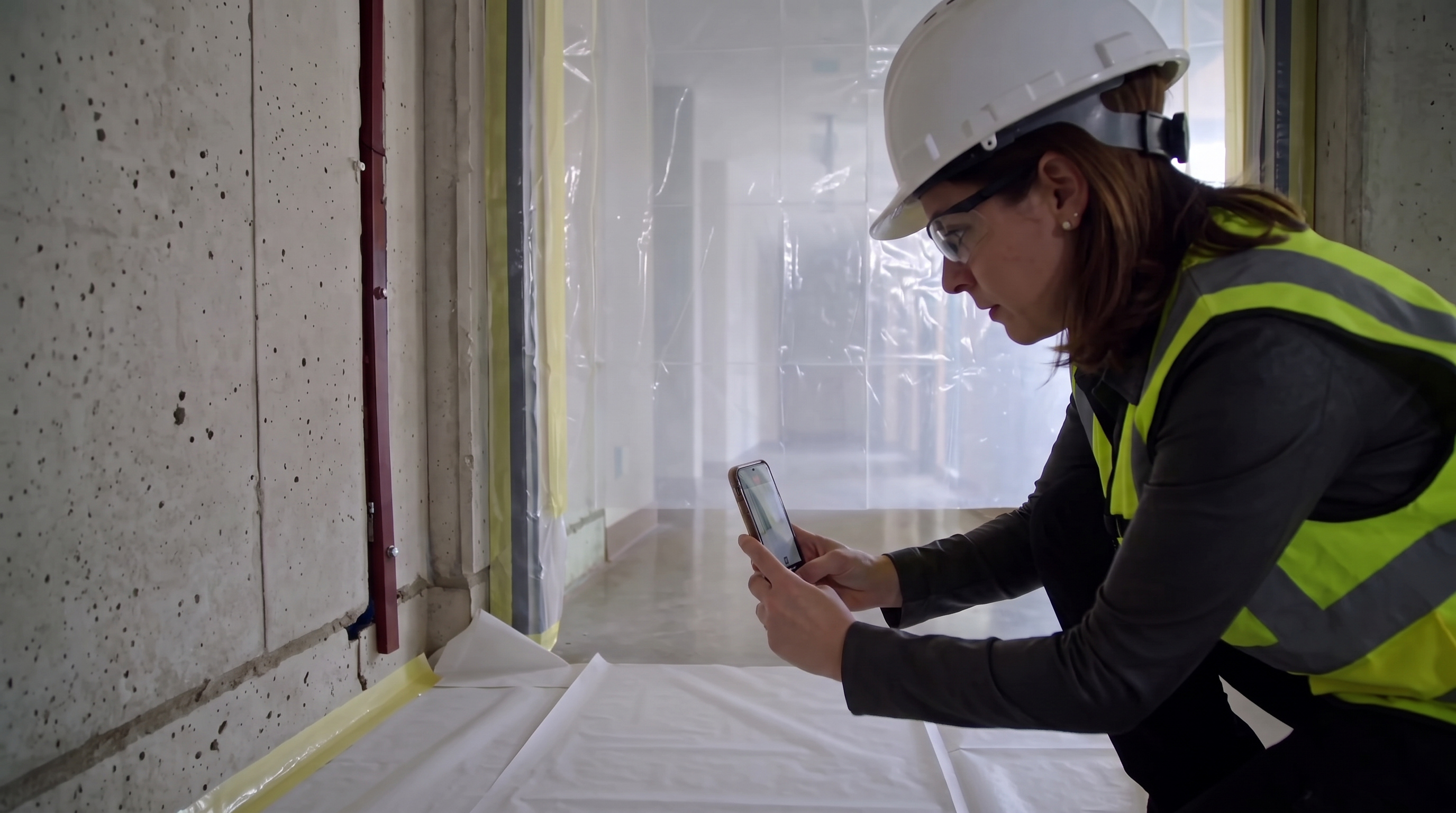
Observation · Shot 45 NEW REFERENCECompare existing footage ↗

Observation dictation — tight profile

Reference image for Observation dictation — tight profile

A closer view of the same woman speaking the safety observation.

Planned motion: The supervisor speaks a short observation into her steady phone. Natural mouth movement, a brief thoughtful pause, and a small glance toward the nearby entrance before finishing her thought. Keep her identity, clothing, phone and background fixed. Locked profile camera.

Watch approved animation ↗

Open full-size image ↗ · Back to overview ↑
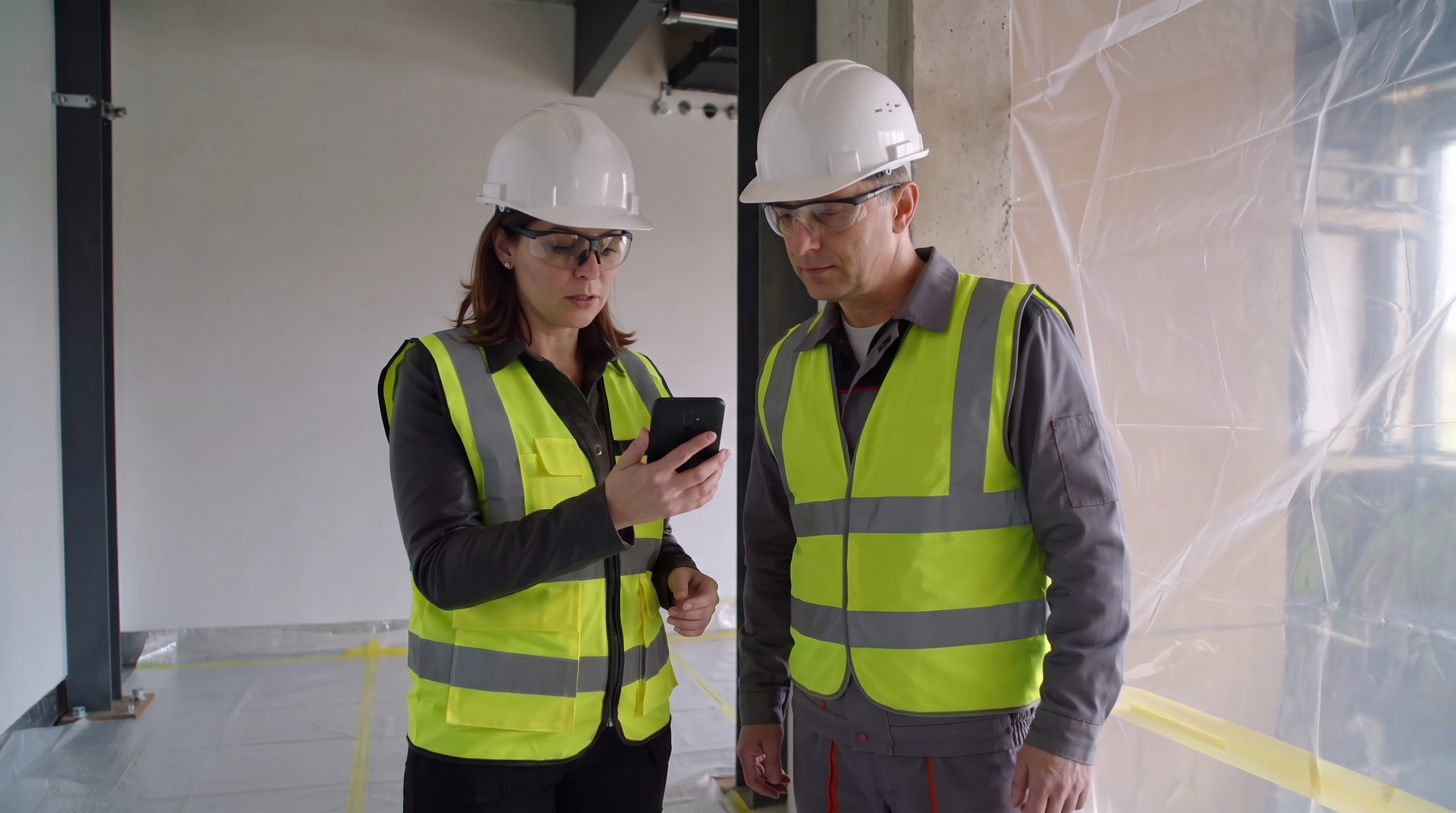
Observation · Shot 46 NEW REFERENCECompare existing footage ↗

Evidence photo — complementary side view

Reference image for Evidence photo — complementary side view

A genuinely different perspective on photographing the same fixed gap.

Planned motion: The supervisor holds the phone still to compose a photo, makes one small shutter press, holds briefly, then lowers it slightly. The doorway and dust-barrier gap remain completely still. Use existing ambient light with the phone flash disabled. Locked camera.

Open full-size image ↗ · Back to overview ↑
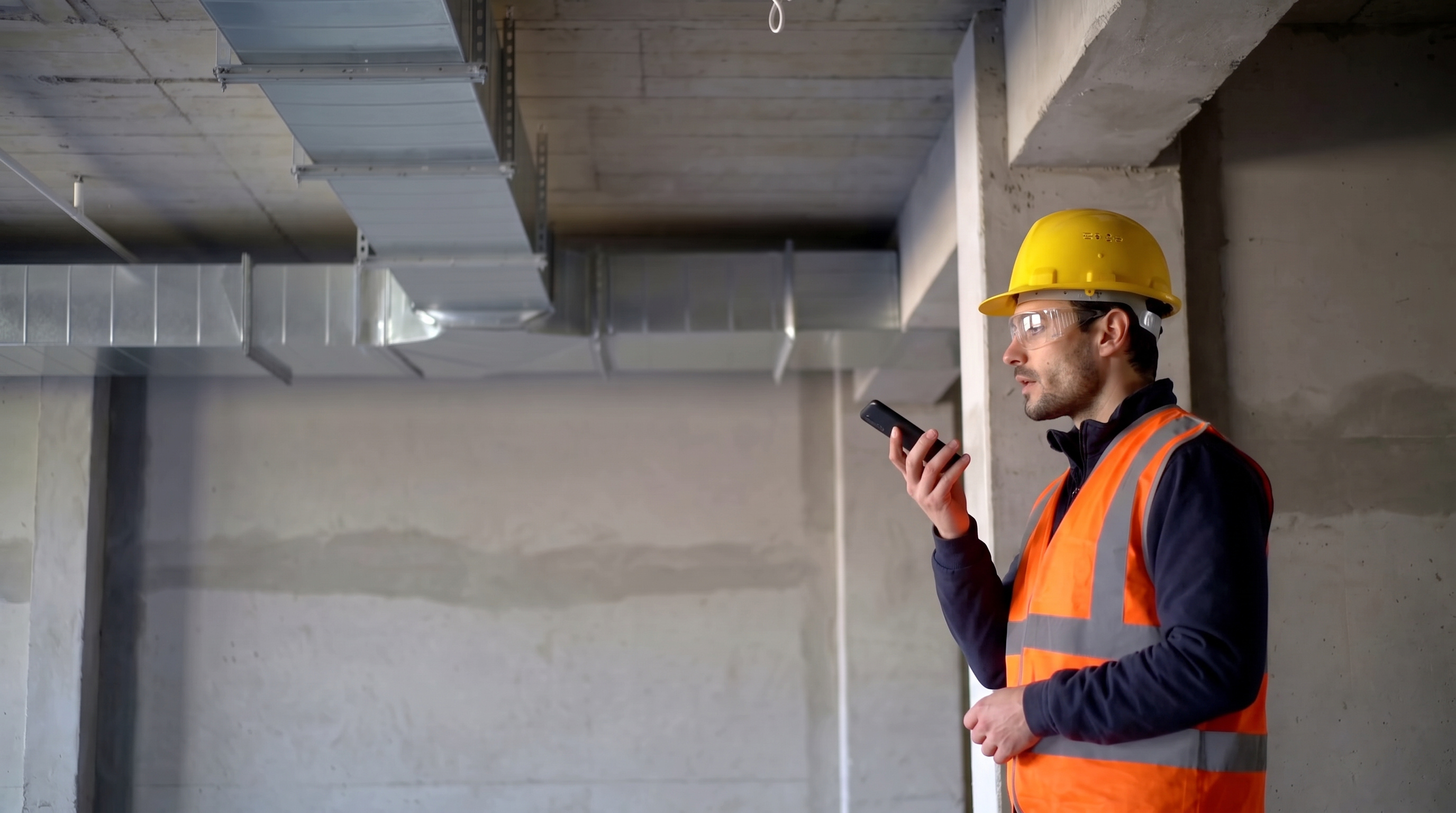
Observation · Shot 38 NEW REFERENCECompare existing footage ↗

Supervisor shares the observation

Reference image for Supervisor shares the observation

The human discussion of the recorded observation and required action.

Planned motion: The supervisor holds the phone still for her colleague to read, speaks briefly, and makes one small open-hand gesture. The colleague looks at the phone, then gives a restrained nod. Natural mouth and head motion, stable phone and hands. Locked camera.

Open full-size image ↗ · Back to overview ↑
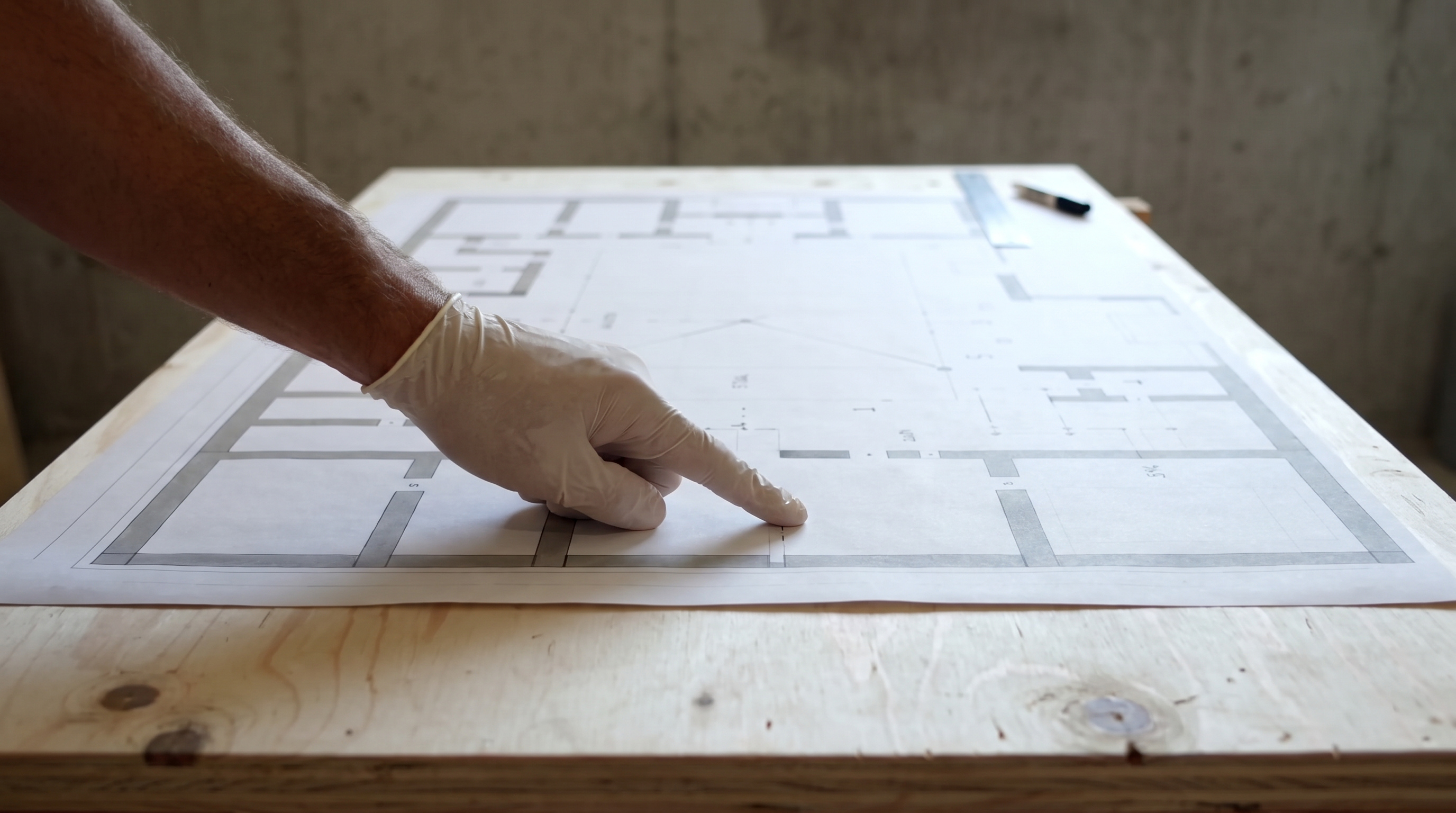
Engineer dictates the RFI

Reference image for Engineer dictates the RFI

The missing RFI voice-input moment.

Planned motion: He speaks into the phone, gestures briefly and glances toward the work area. Pair with the current access-request narration.

Watch this animation ↗

Open full-size image ↗ · Back to overview ↑
RFI · Shot 49 NEW REFERENCECompare existing footage ↗

Drawing reference — oblique hand insert

Reference image for Drawing reference — oblique hand insert

A second angle on the same plan-reference gesture, with the face excluded.

Planned motion: The hand briefly points to one area of the stationary drawing, then opens in a small palm-up explanatory gesture and settles beside the page. Keep the drawing and tools completely still. Locked low oblique camera; preserve the hand and sleeve.

The drawing is illustrative. Exact project-sheet references belong in the annotated workflow.

Open full-size image ↗ · Back to overview ↑
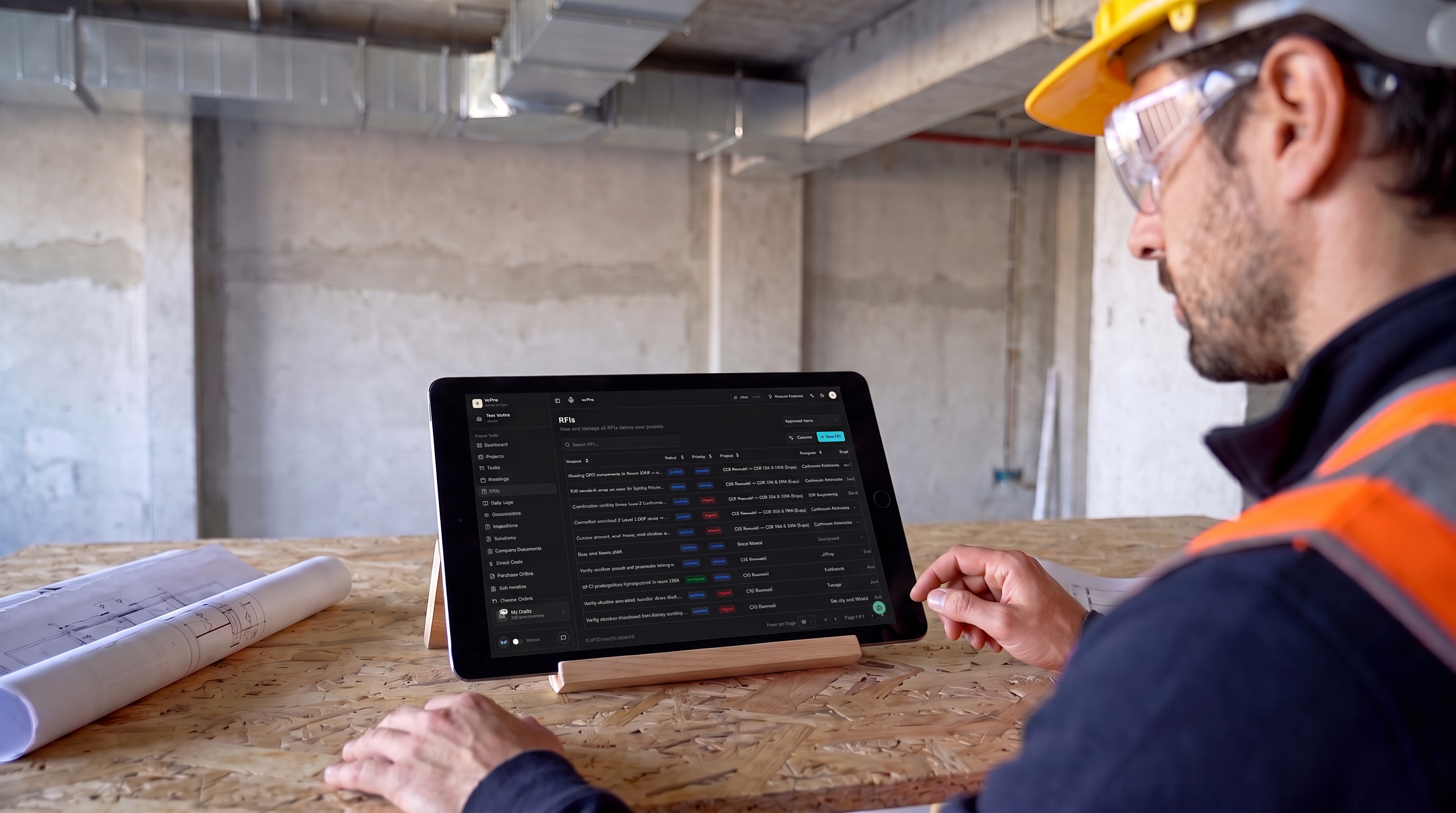
RFI · Shot 48 NEW REFERENCECompare existing footage ↗

RFI review — opposite shoulder

Reference image for RFI review — opposite shoulder

Alternate coverage of the core RFI review action with the real interface.

Planned motion: The engineer reads the tablet resting on its stand. He makes one small index-finger tap and rests his hand beside the device. Subtle breathing. Preserve the tablet's scale, black bezel and screen contained within the glass. Locked camera.

The screen uses the actual saved VoPro layout. Small generated text is approximate; exact readable fields will come from the browser demo.

Watch this animation ↗

Open full-size image ↗ · Back to overview ↑
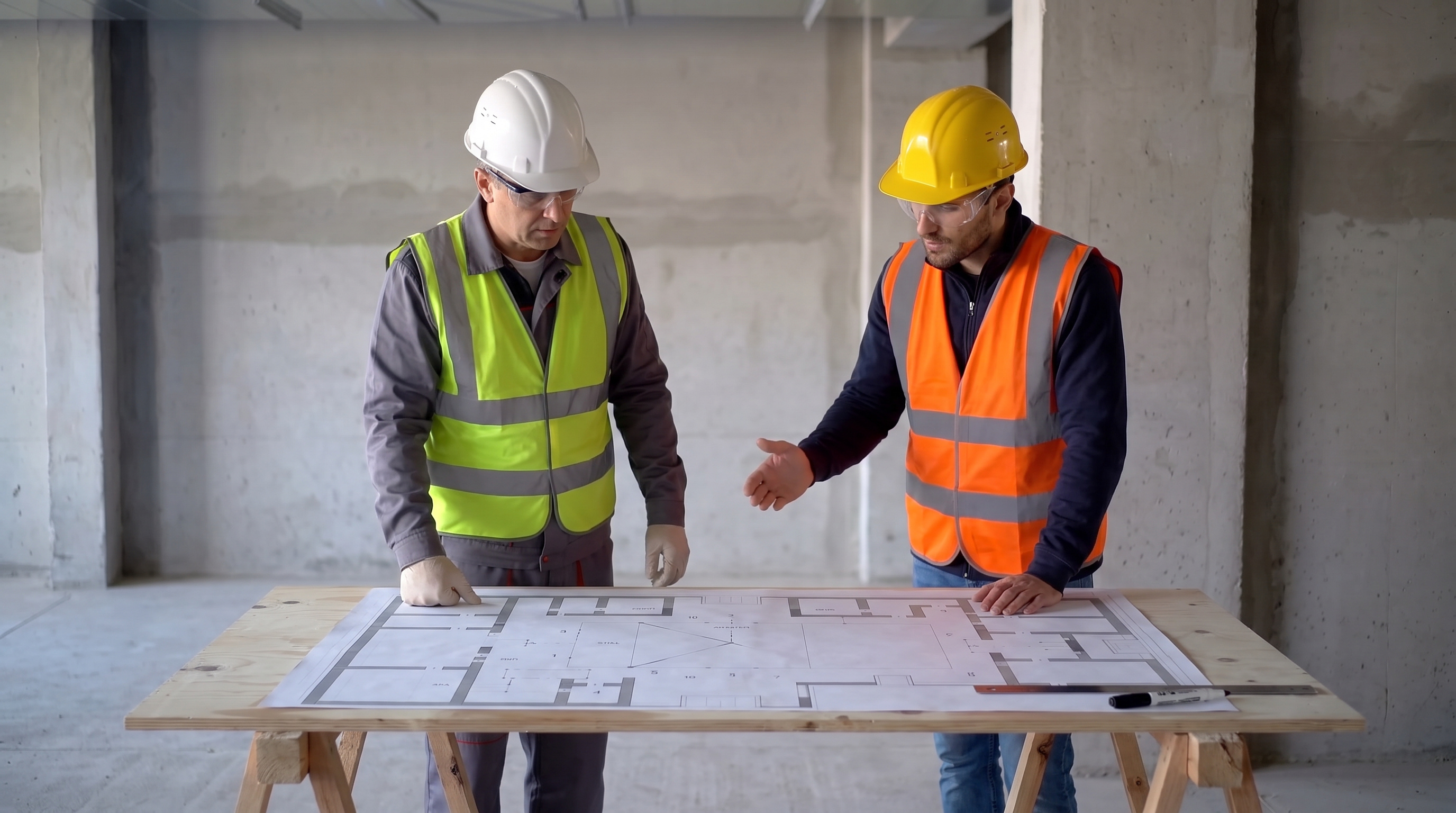
RFI · Shot 39 NEW REFERENCECompare existing footage ↗

Discussing the RFI at the drawing table

Reference image for Discussing the RFI at the drawing table

A wider human counterpart to the existing overhead plan-reference insert.

Planned motion: The engineer glances at the drawing and explains a point with one small palm-up gesture. The colleague listens, looks at the plan, and nods once. The paper and table stay fixed. Natural conversational mouth movement. Locked camera.

Watch this animation ↗

The drawing is illustrative. Exact project-sheet references belong in the annotated workflow.

Open full-size image ↗ · Back to overview ↑